BACK 40
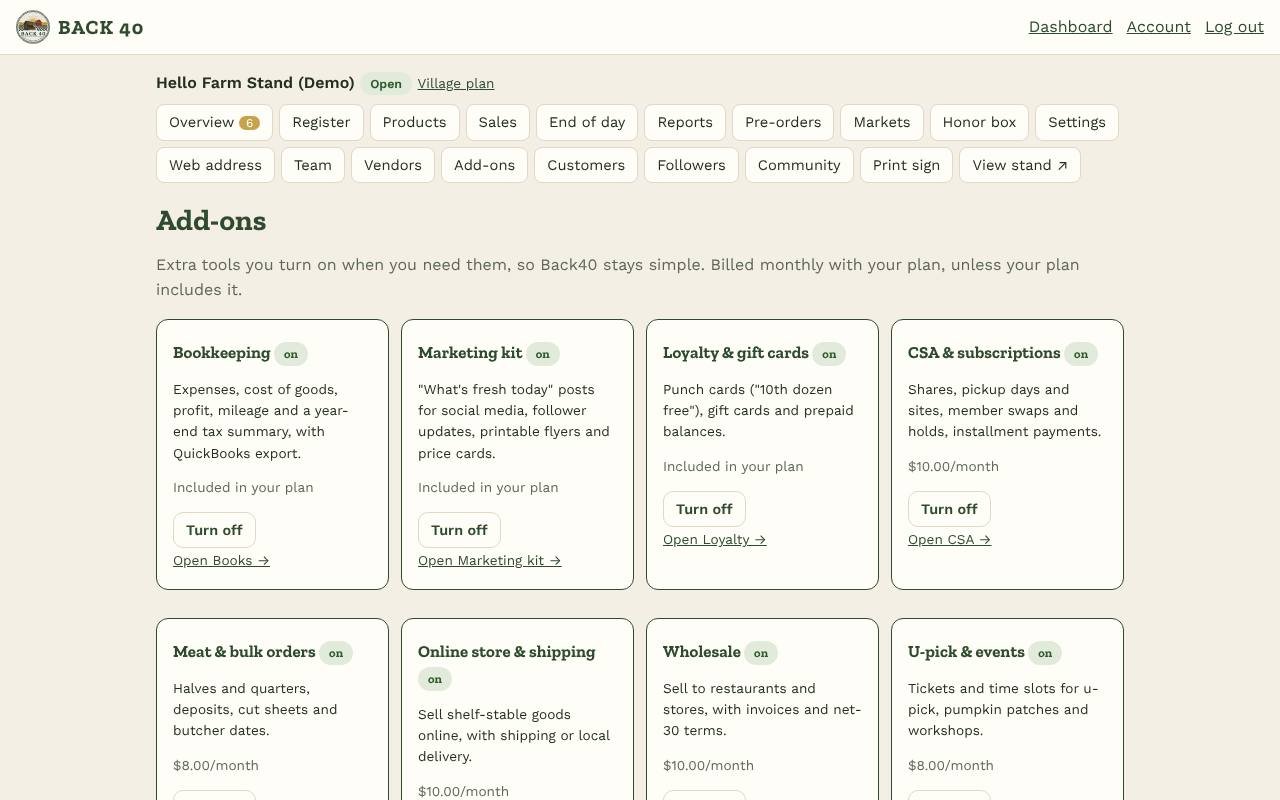
Open Add-ons and tap Turn on for the tools you want. Turn them off anytime; nothing is deleted.
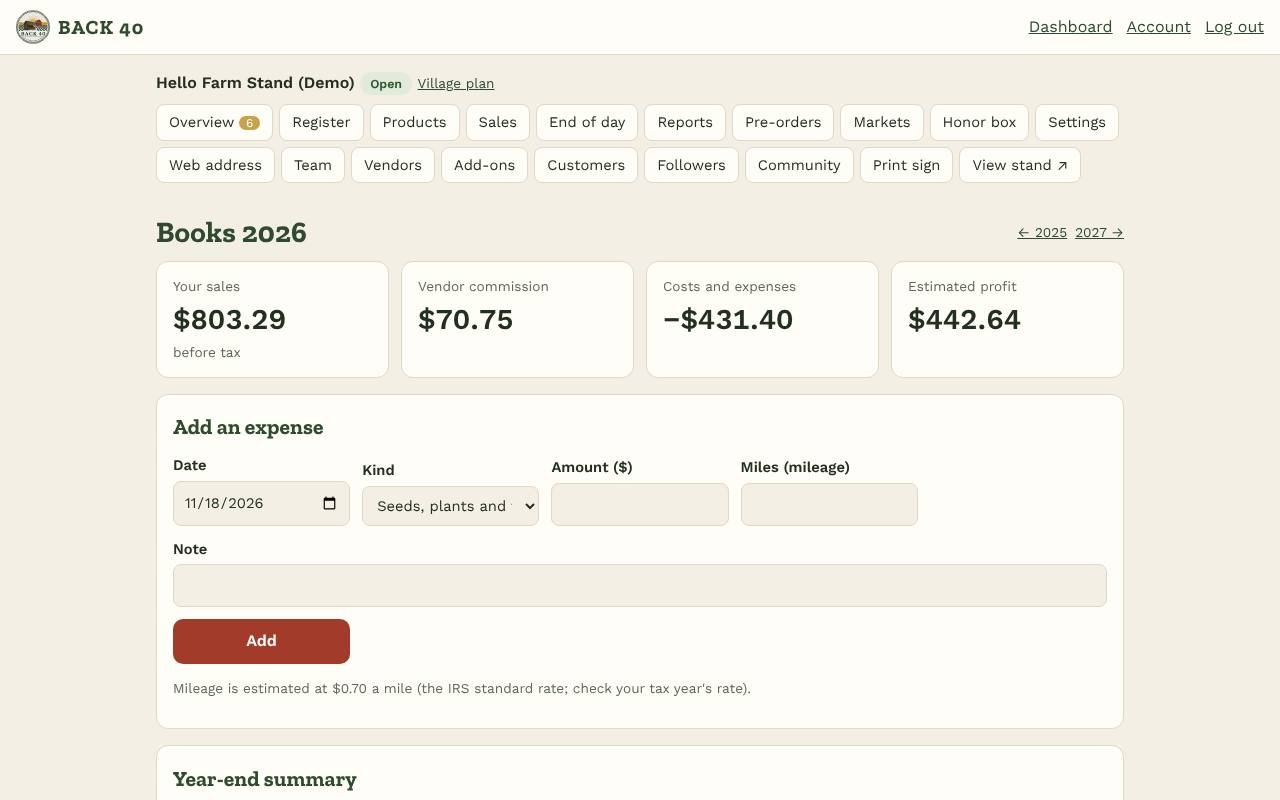
- Bookkeeping (Books): add expenses (seeds, supplies, booth fees, mileage…) and enter Your cost on each product. Books shows your own sales, commission on vendors' sales, cost of goods, card and booth fees, expenses and an estimated profit for the year, profit by product, and a link to the QuickBooks export.
- Marketing kit: a ready-to-post "What's fresh today" message written from what's in stock, with Facebook and X buttons; a printable flyer with your QR code; and price cards to cut out and put by each item.
- Loyalty & gift cards: under Loyalty, add a punch card for a product or a whole category (for example 10 punches, the 11th free). At the register tap Customer and enter their phone; at the self-checkout they enter it under Change credit. When a card fills, its reward becomes credit they spend with their PIN. Make gift cards (the code is shown once; write it on the card). Every code is unique across Back40 and only works at the stand that made it; customers use the code at the register (Gift card) or the self-checkout, and any rest is paid as usual. Customer pages show their punch cards.
- Some plans include add-ons (Co-op and Village: Bookkeeping; Maker and Village: Marketing kit; Village: Loyalty). Otherwise they're billed monthly with your plan. Free during early access.