BACK 40
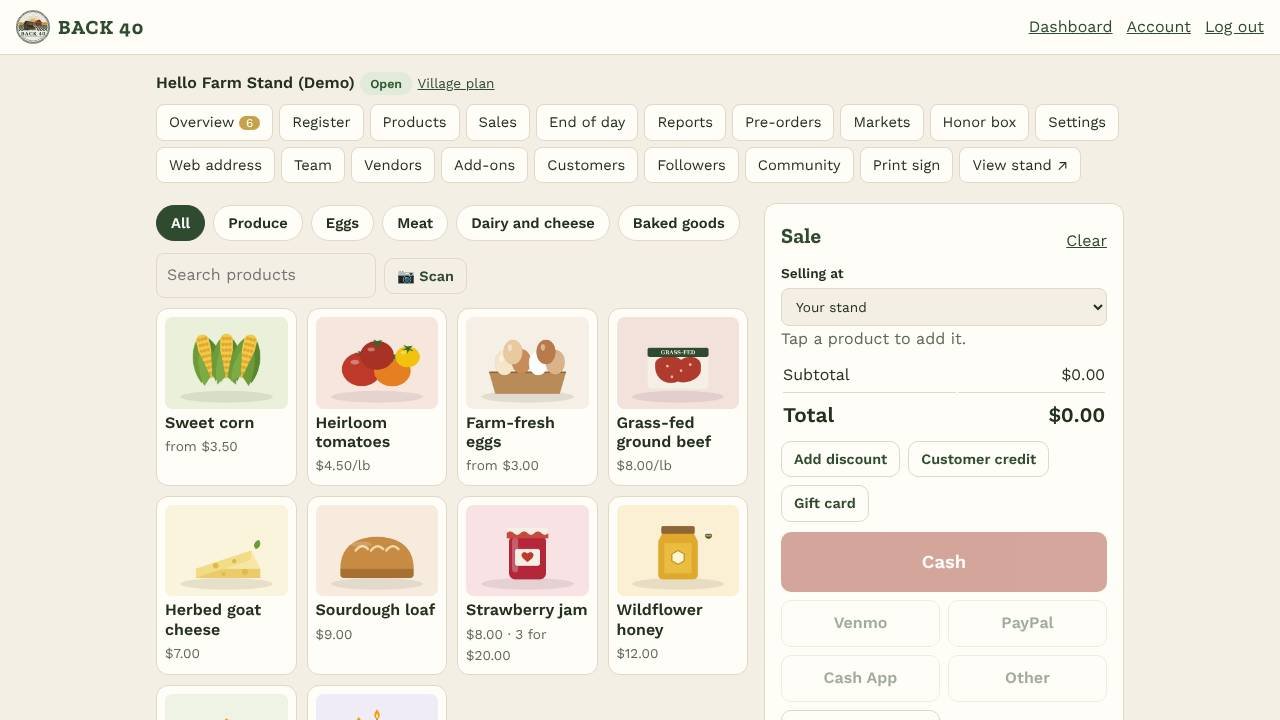
On busy days or at a market, ring up sales yourself on a phone, tablet or computer. Open Register.
- Tap products to add them. Use the category buttons or search to find things fast. Products with options ask which one; products sold by the pound (lb, oz, kg, g) ask for the weight.
- Tap a line in the sale to change the quantity or set a custom price. Use + Custom item for something that isn't in your products, and Add discount for % or $ off the whole sale.
- Cash: tap a quick amount (or type what they handed you) and Back40 shows the change. Card: the customer scans the QR code on your screen and pays on their phone (or on your screen); the sale completes by itself once Stripe confirms. Venmo, PayPal, Cash App or Other: check the payment came through, then complete the sale.
- Print the receipt or email it to the customer (or text it, once texting is on), then tap New sale.
- Bundles: set "3 for $10" on a product under Products; the register and the self-checkout apply it automatically.
- Register sales are marked paid, lower stock right away (by-weight items lower it by the rounded weight), and never block a sale for low stock, since the item is in the customer's hand.
- Staff can use the register. A sale can't be saved twice, even if you tap Complete again on a slow connection.
- Install it: open the register in Chrome or Safari and choose Install / Add to Home Screen. It opens full screen like an app.
- No signal? Open the register once while online. After that, if the signal drops, keep ringing up cash and app sales: they're saved on the device ("waiting to sync") and sent by themselves when you're back online. A sale is never sent twice. Cards need signal. If prices changed while you were offline, you get an alert with the difference.
End of day
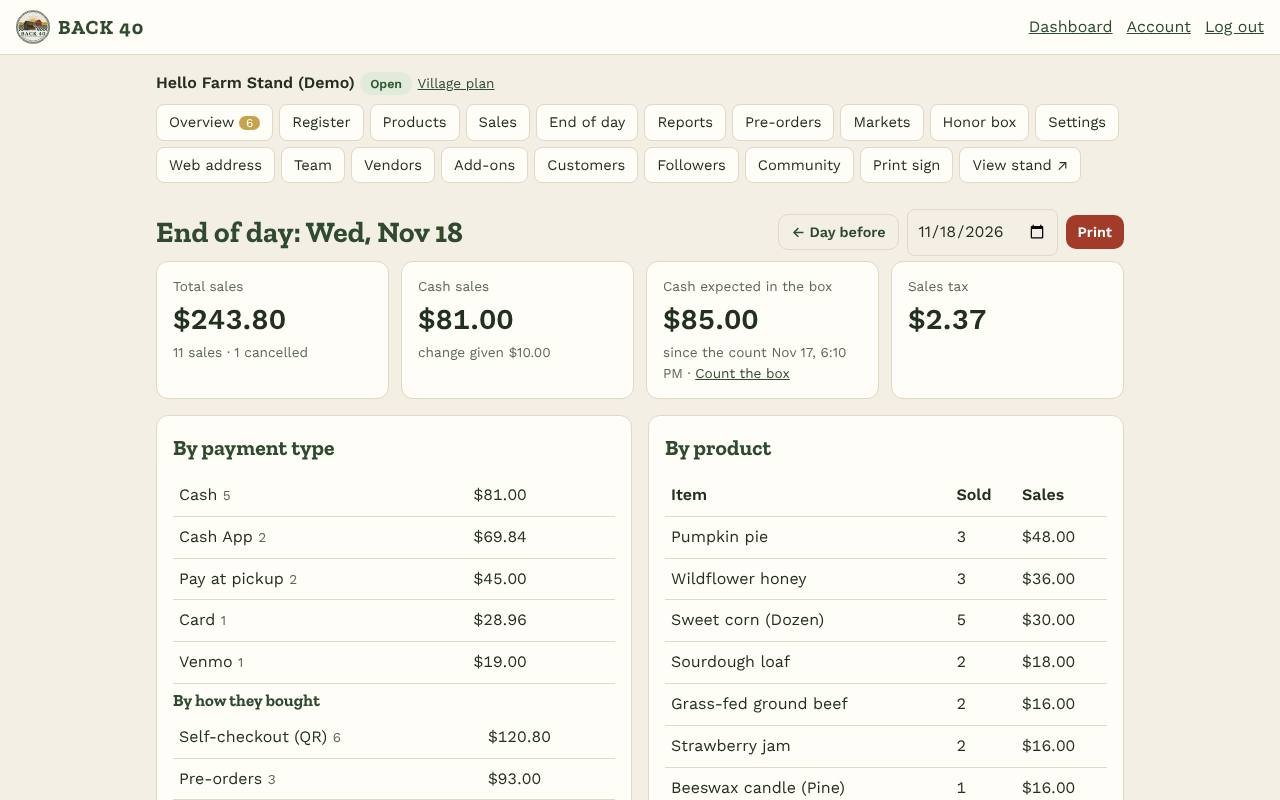
Open End of day (owners) for any day: total sales, totals by payment type, by product and by register or self-checkout, sales tax, discounts, change given, and the cash expected in the box since your last count. Print it, then count the box.