BACK 40
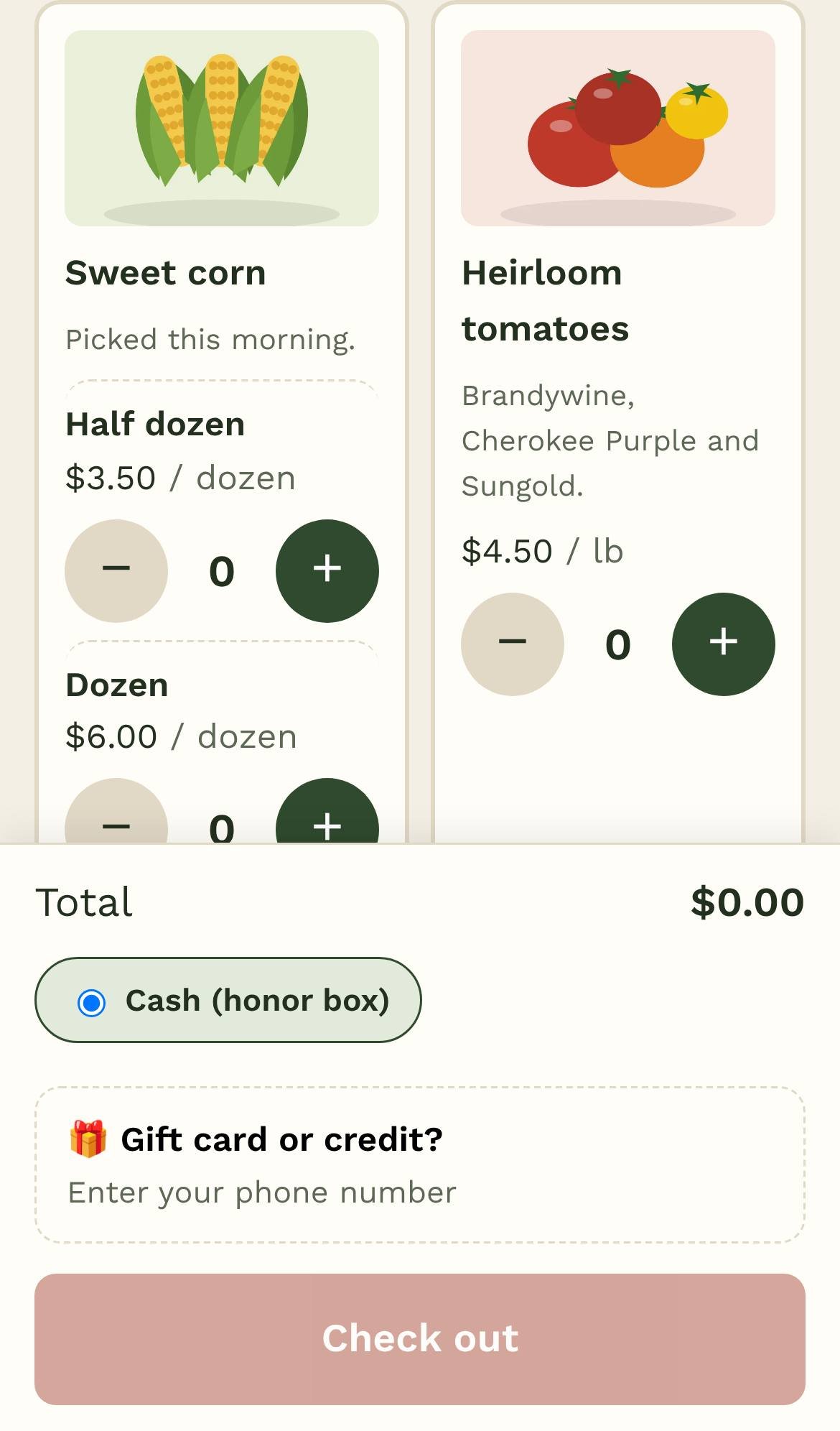
- The customer scans your sign (or visits your stand's address) and taps + for each item, or scans the item QR labels by your products. Category buttons at the top (Produce, Eggs…) show one kind of product at a time; for products with options, they tap + on the option they want.
- They choose cash, Venmo, PayPal or Cash App and tap Check out. Paying cash, they say how much they put in the box and choose what to do with any change (a tip, credit for next time, or take it). Credit and gift cards: Gift card or credit? signs them in with their phone number and PIN. If you charge sales tax, the total includes it and the tax is shown under the total.
- The receipt shows the total and a short code. App buttons open their payment app with the amount filled in; for cash, they put the money in your box with the code.
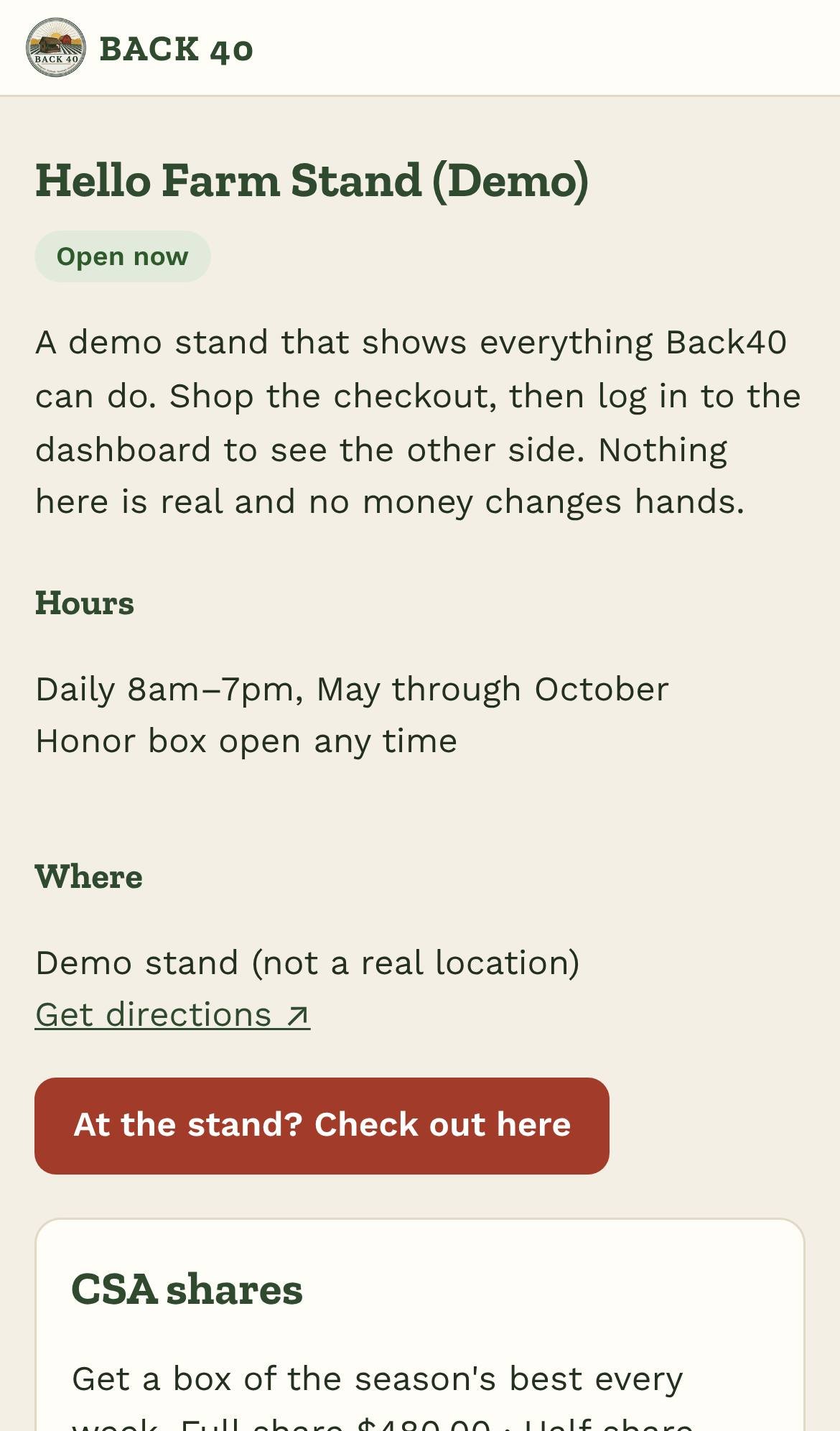
Your stand's info page (yourstand.back40pos.com/info) shows your hours, directions, what's in stock and a pre-order form.