BACK 40
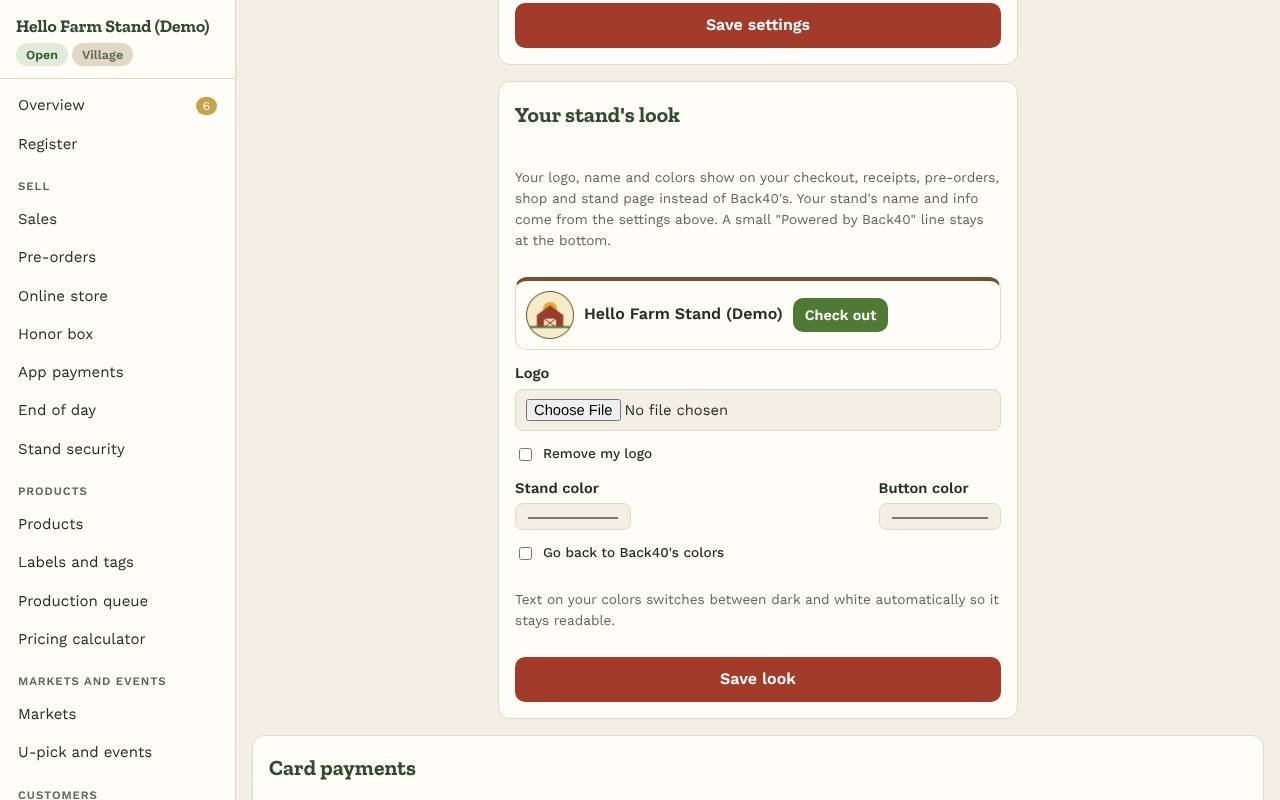
Your customers should see your stand, not Back40. Under Settings → Your stand's look:
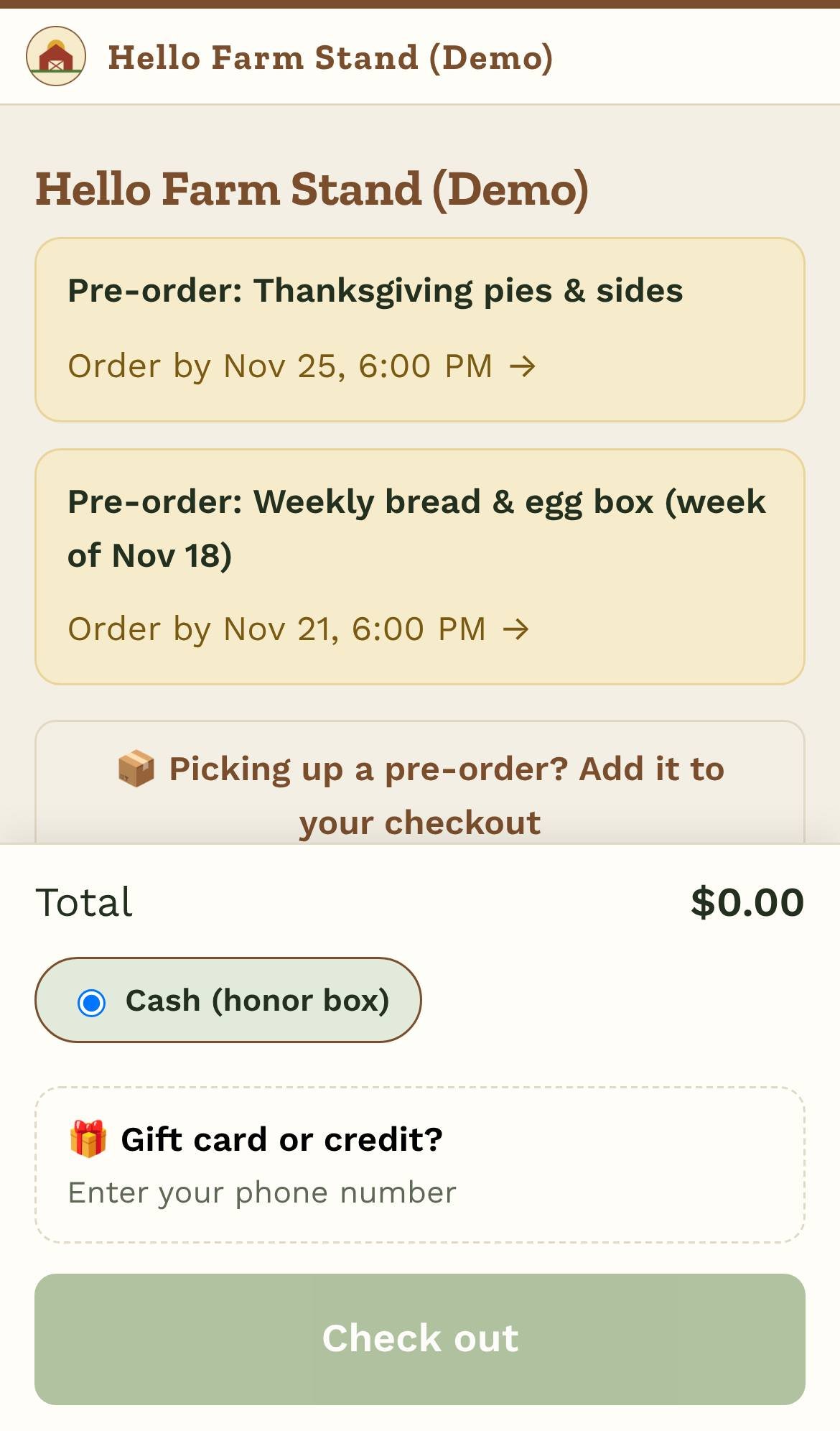
- Logo: upload a JPG, PNG or WebP (a square or wide logo works best). It shows at the top of your checkout, receipts, pre-orders, shop, CSA, events and stand page, and as the icon in your customers' browser tab.
- Stand color: the color of the bar along the top, headings and links.
- Button color: the color of buttons like Check out and Pay.
Text on your colors switches between dark and white by itself so it stays readable. The preview shows how it looks before you save. Your stand's name, description, hours and address come from the top of Settings.
Emails to your customers (pre-order confirmations and reminders, register receipts) come from "Your stand via Back40" with your logo and color at the top.
A small "Powered by Back40" line stays at the bottom of your customer pages. Your own dashboard keeps Back40's look. To go back to Back40's colors, tick Go back to Back40's colors; to drop the logo, tick Remove my logo.
Branding is included on every plan.