 BACK 40
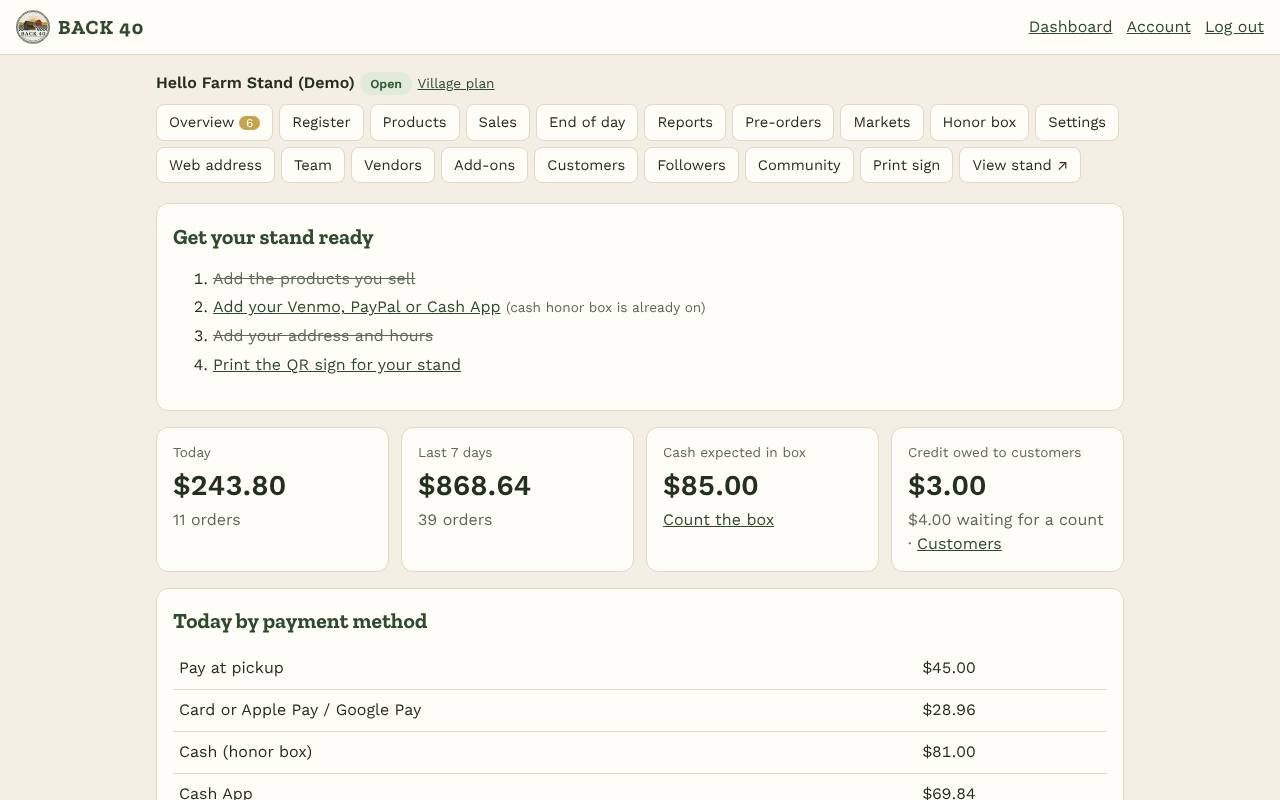
- Sign up at back40pos.com/signup. Pick your stand's name and web address (for example millerfarm.back40pos.com).
- Add your products under Products: name, price, unit (dozen, lb, bunch…) and how many you have.
- Add how you get paid under Settings: your Venmo username, PayPal.me name and/or Cash App $cashtag. Cash in the honor box is on by default. To take cards, connect Stripe under Settings → Card payments.
- Add your address and hours under Settings, so customers can find you.
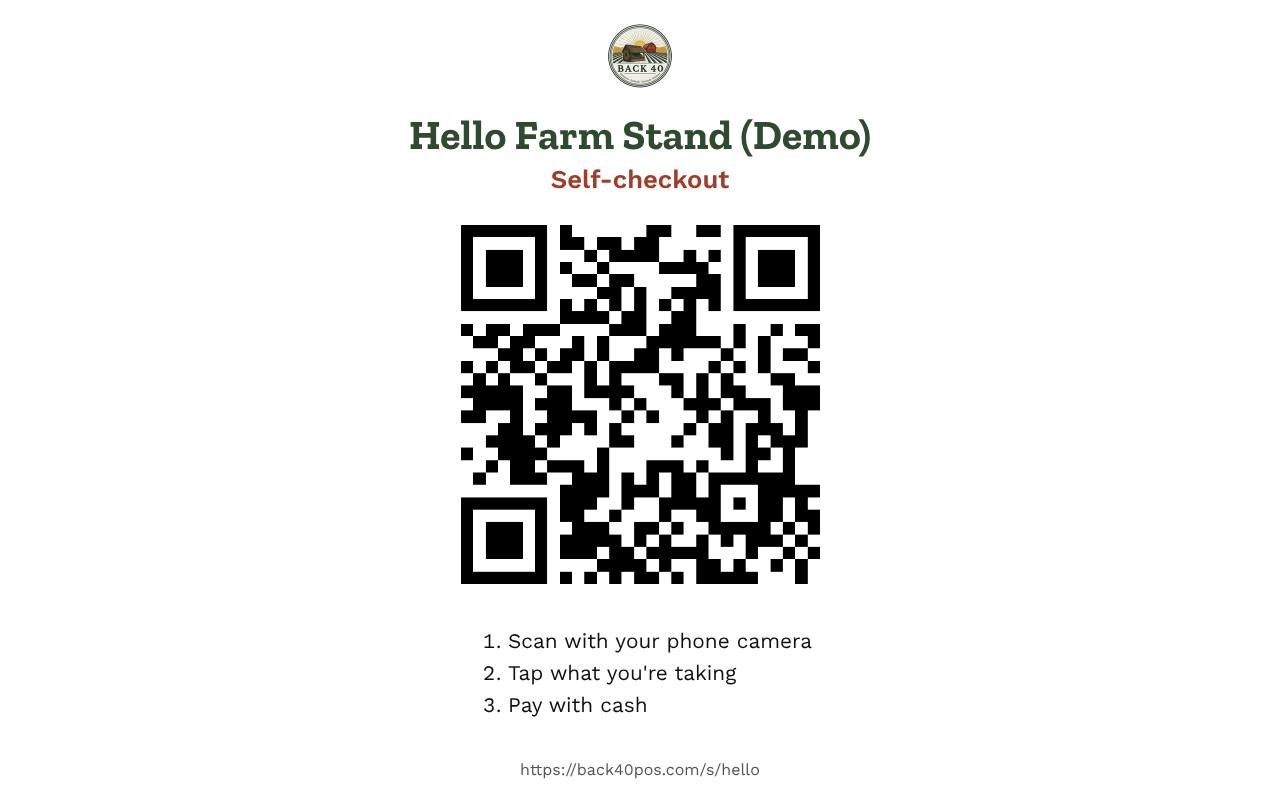
- Print your QR sign with Print sign and put it by the cash box. That's it: you're open.
Getting started
Sign up, add products and payments, print your sign: open in five steps.
Screenshots
Related guides
- Products and stockAdd products with options, photos, tax, bundles and stock counts.
Still stuck? Send us a message.
Be one of the first stands on Back40.
Leave your email and we'll let you know as soon as your spot is ready.