BACK 40
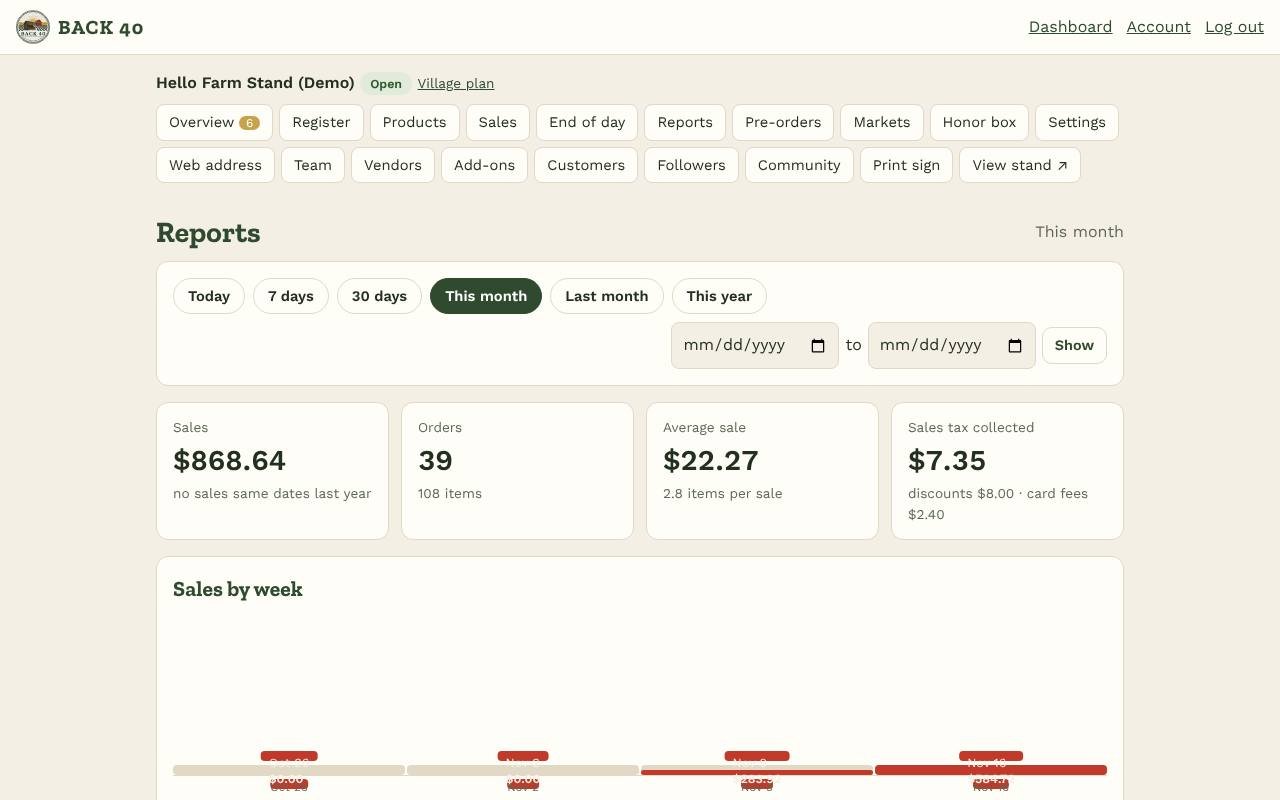
Open Reports (owners) and pick a period: today, 7 or 30 days, this month, last month, this year, or your own dates.
- Summary: sales (with the change from the same dates last year), orders, items, average sale, items per sale, sales tax, discounts and card fees.
- Charts: sales by week and month, busiest days of the week and busiest hours (in your stand's time zone). Hover or tap a bar for its amount; Show as a table lists the numbers.
- Best sellers (sales before tax, after discounts), how customers paid and how they bought (register, self-checkout, pre-orders).
- Sales tax report: taxable sales, exempt sales and tax collected by month, ready for filing.
- Exports: Orders, Items sold, Products and stock, and QuickBooks sales receipts, as CSV files. In QuickBooks Online, choose New → Import data → Sales receipts.