BACK 40
Take orders ahead of time for holidays, made-to-order goods or big harvest days.
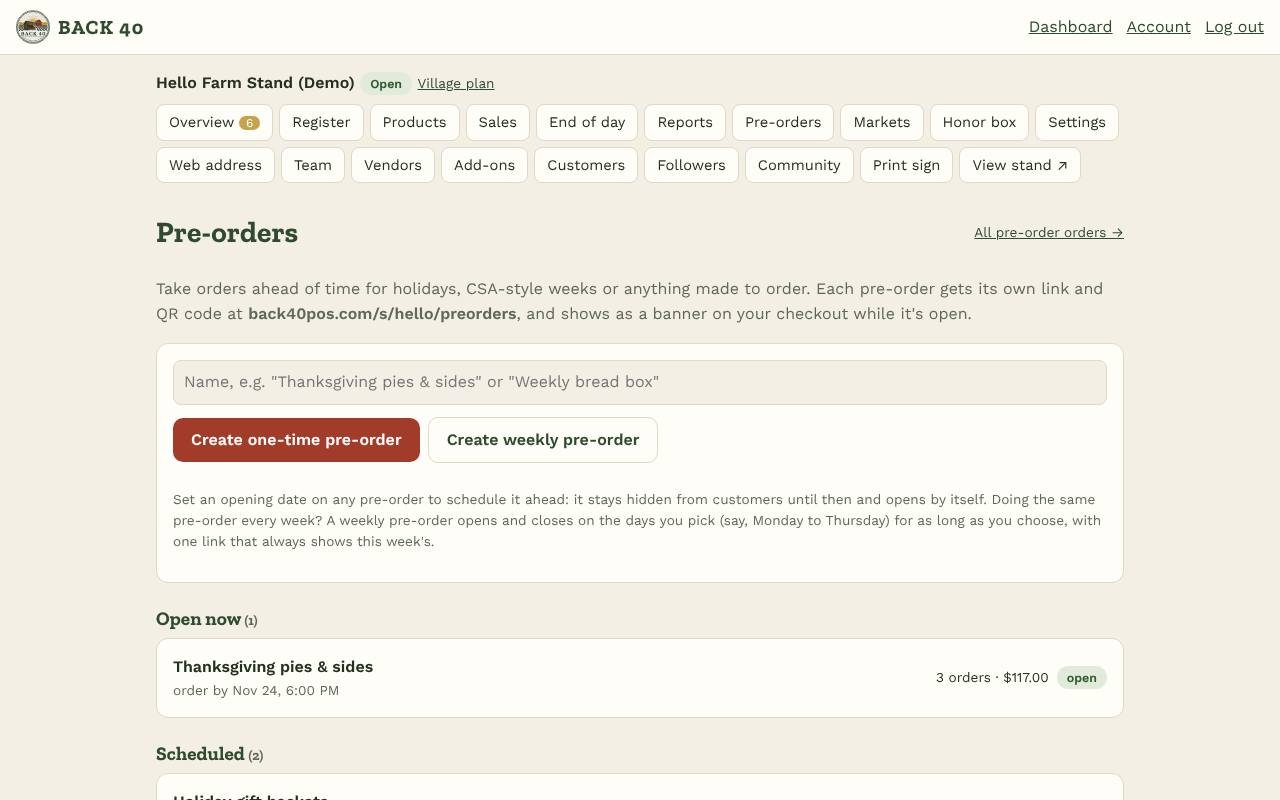
- Open Pre-orders and create one, like "Thanksgiving pies & sides". It starts as a draft only your team can see.
- Add a description and an order-by date and time, and choose payment: Pay at pickup, Pay now (Venmo, PayPal or Cash App) or Customer chooses.
- Add items from your products (out-of-season ones work too). Optionally set a special price, how many are available in total, and a limit per order.
- Add pickup times with a date, time window, place and optional maximum number of orders.
- Tap Open for orders, or schedule it: set an Opens date and time, save, and tap Schedule opening. A scheduled pre-order is hidden from customers until it opens by itself, unless you tick list it under "Coming up" to let people know it's on the way. Share the link (yourstand.back40pos.com/preorders/…) or its QR code. It also shows as a banner on your checkout, info page and receipts.
- Paying at pickup: customers who chose to pay when they pick up can pay on your stand's checkout: Picking up a pre-order? Pay for it here, then their order code (from their email) or their phone number or email plus last name. Cash (with any change as a tip or taken), payment apps or card. Paying marks the order picked up, and you get an alert. Cash paid this way counts toward the honor box from when it's paid.
Customers choose items and a pickup time and get a confirmation email, plus a reminder the day before pickup. The pre-order closes automatically at the order-by time or when everything sells out, and you can close it any time.
On pickup day, open the pre-order and print the pick list for that pickup time: totals to prepare, then each customer's order with a checkbox. In the orders list, mark orders ready and picked up, tap Mark paid once a pay-now payment shows up in your app, or cancel an order to free up its items. Staff can view pre-orders and pick lists and update orders; only owners create or change pre-orders.
Planning several ahead? Schedule each one; your Pre-orders page lists them under Scheduled in the order they open. Duplicate (at the bottom of a pre-order) copies its items and pickup times into a new draft, so you only set the new dates.
For everyday items, your stand's info page also has a quick Reserve for pickup form; those reservations come out of stock and are paid at pickup.