BACK 40
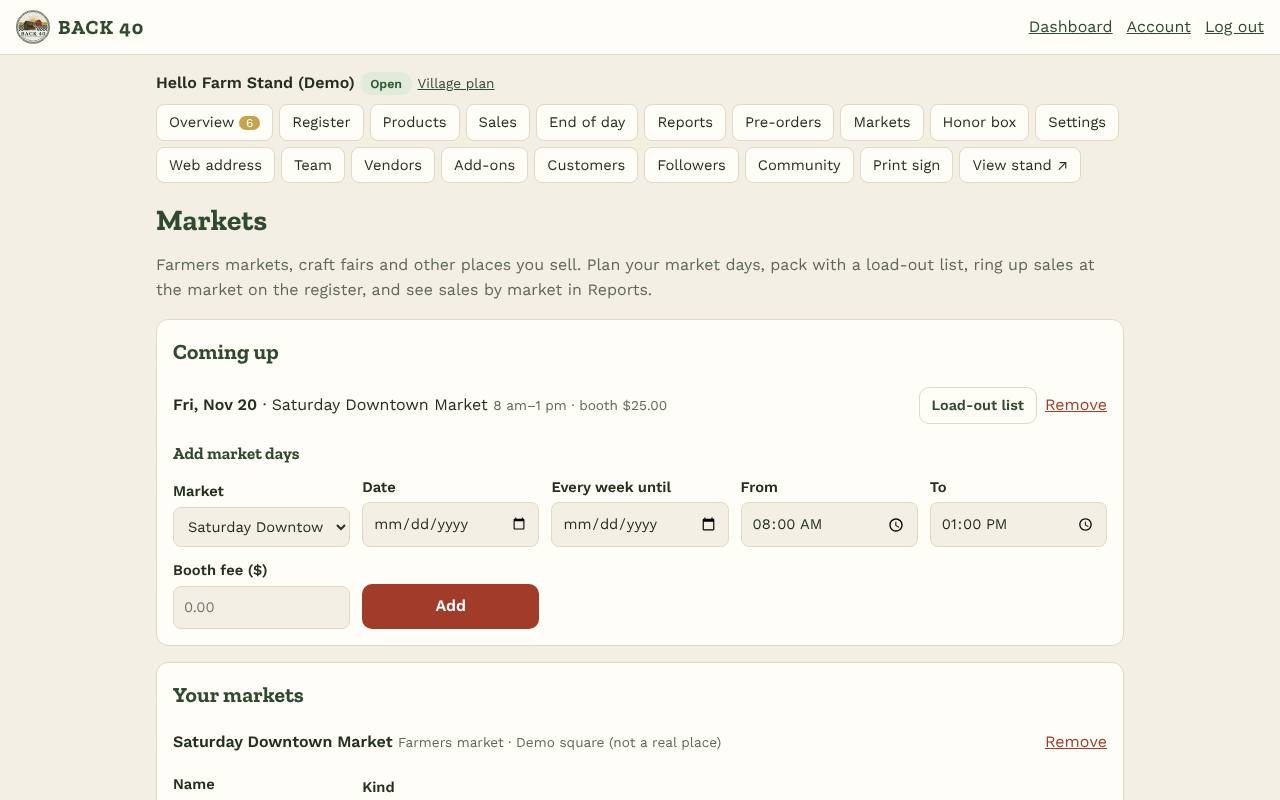
- Open Markets and add each farmers market, craft fair or event you sell at.
- Add market days: pick the market and date (and every week until for a season), the hours and the booth fee.
- Load-out list: before each market day, open its load-out list. It suggests what to pack from what sold there on recent market days (plus 20% to spare); adjust, save and print it as a checklist.
- At the market: open the register. Selling at picks today's market, so every sale is recorded there.
- Sales by market: Reports shows each market's sales, booth fees and what's left, and each market day.
- Apply to markets on Back40: markets and fairs run on Back40 are listed under Markets and fairs on Back40. Choose your dates and booth and apply; your stand's details are filled in. When the organizer approves you, the market is added here with its dates, booth number and booth fee. You can choose to share your sales at that market with the organizer (totals only).
Markets are part of the Maker plan (up to 10) and Village (up to 3), and free during early access. Staff can view load-out lists; owners plan the schedule.